
Download Xender - Share Music Transfer – file transfer, music sharing, fast transfer, no data usage, cross-platform, video to audio, social media downloader, share files, transfer music, wireless sharing
Overview
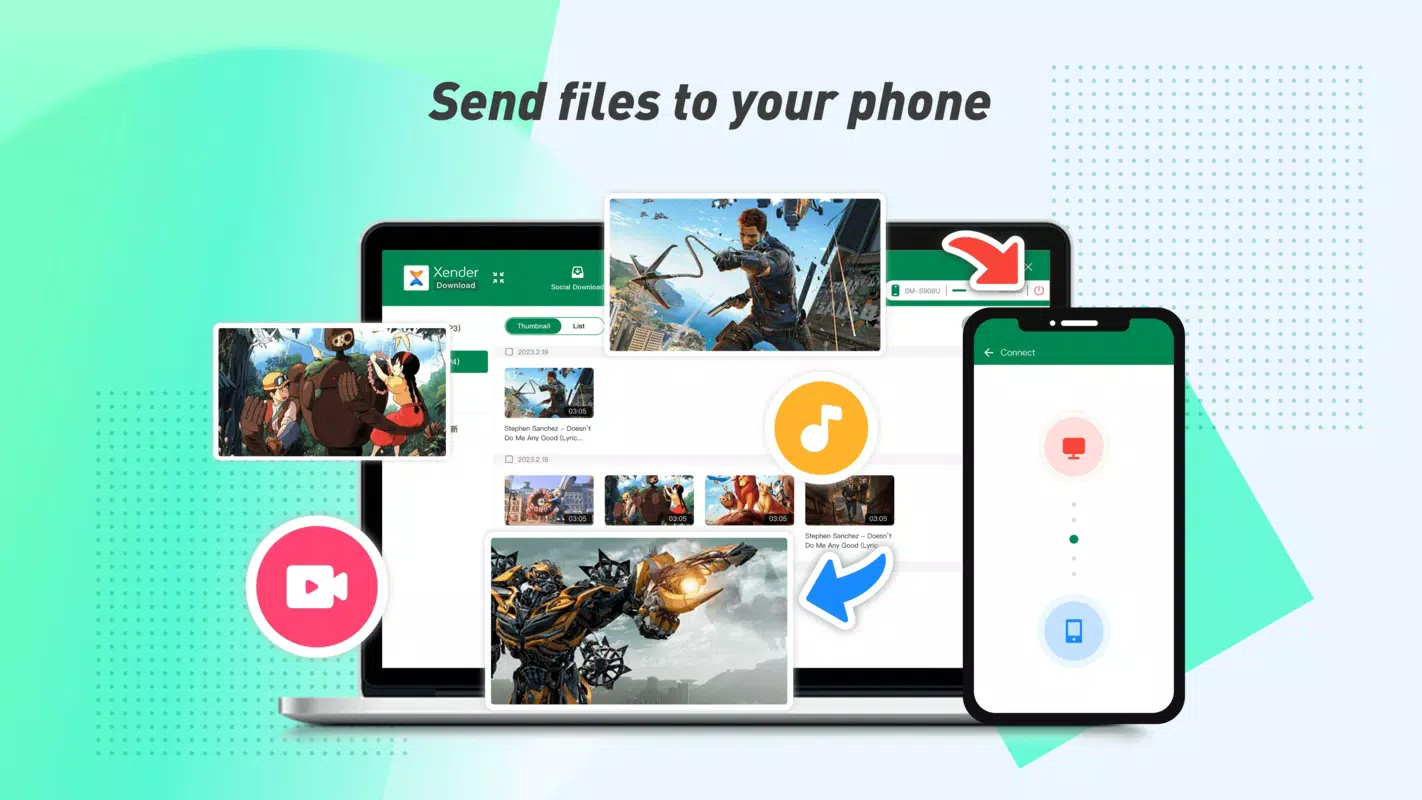
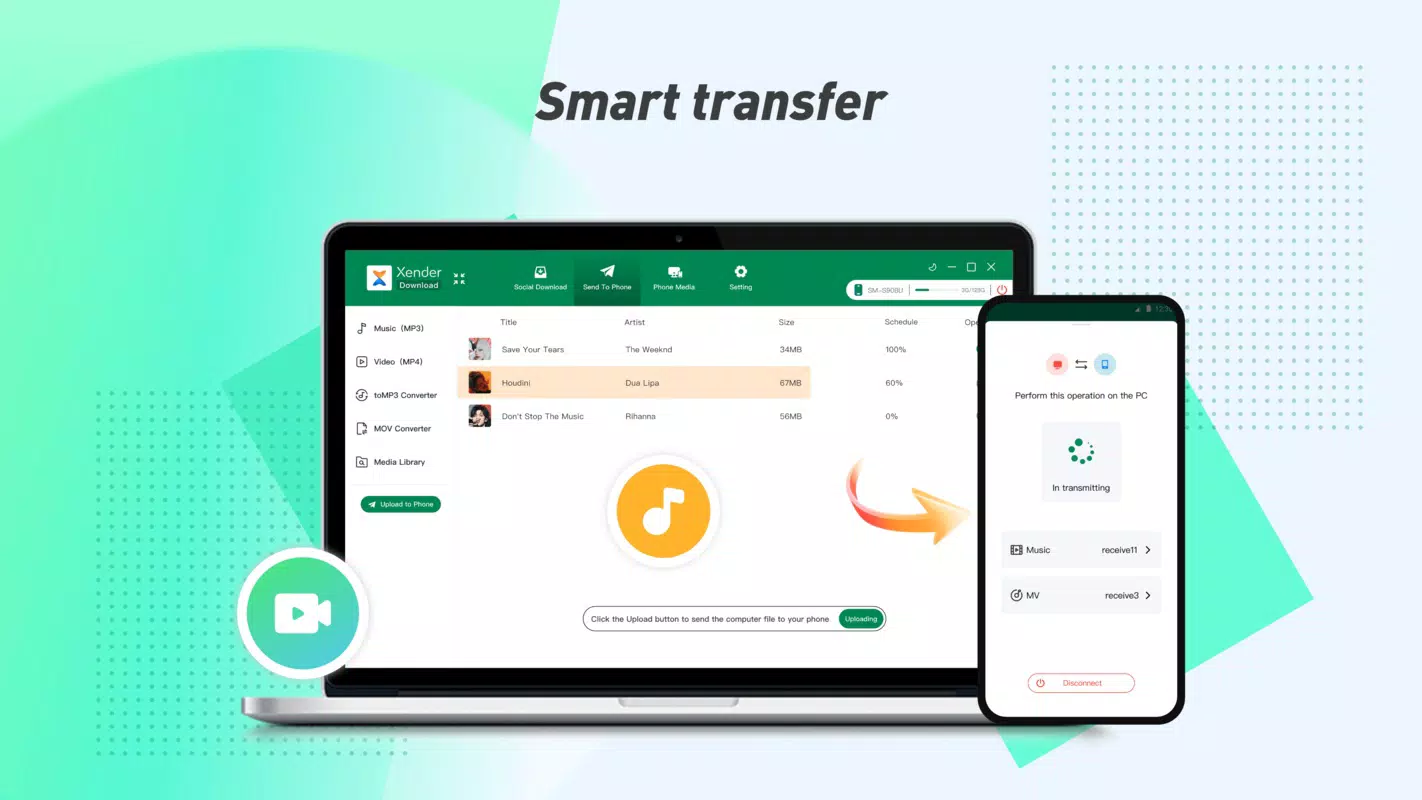
Xender - Share Music Transfer is a productivity-focused mobile application designed to simplify the process of transferring files between devices without relying on internet data. Its primary purpose is to enable users to share large files—such as music, videos, documents, and multimedia—quickly and securely through a direct, peer-to-peer wireless connection. This makes it especially useful in environments with limited or no internet access, such as remote locations, public events, or during travel.
The app addresses common pain points associated with traditional file sharing methods, including slow transfer speeds, data consumption, and platform incompatibility. By eliminating the need for internet connectivity, Xender ensures that users can transfer files instantly and without incurring data charges. This functionality is particularly valuable for individuals who frequently exchange media content, such as musicians, content creators, and students.
Target users include mobile users across diverse settings—from casual users sharing photos at gatherings to professionals transferring project files. The developer, Xender, has positioned this app as a versatile utility tool within the mobile ecosystem, offering a practical alternative to cloud-based services and Bluetooth transfers. Although the developer did not provide additional technical details, the app’s core mission remains clear: to deliver a reliable, fast, and data-free file-sharing experience across multiple platforms.
Key Features & Functionality
- Fast Transfer Speeds: Xender supports transfer speeds of up to 40 Mb/s, enabling users to send large video files or music libraries in seconds. This high-speed capability is ideal for sharing full-length movies or audio collections during group events.
- No Data Usage Required: The app operates entirely over local Wi-Fi or direct device-to-device connections, ensuring that file transfers do not consume mobile data. This feature is especially beneficial for users on limited data plans or in areas with poor network coverage.
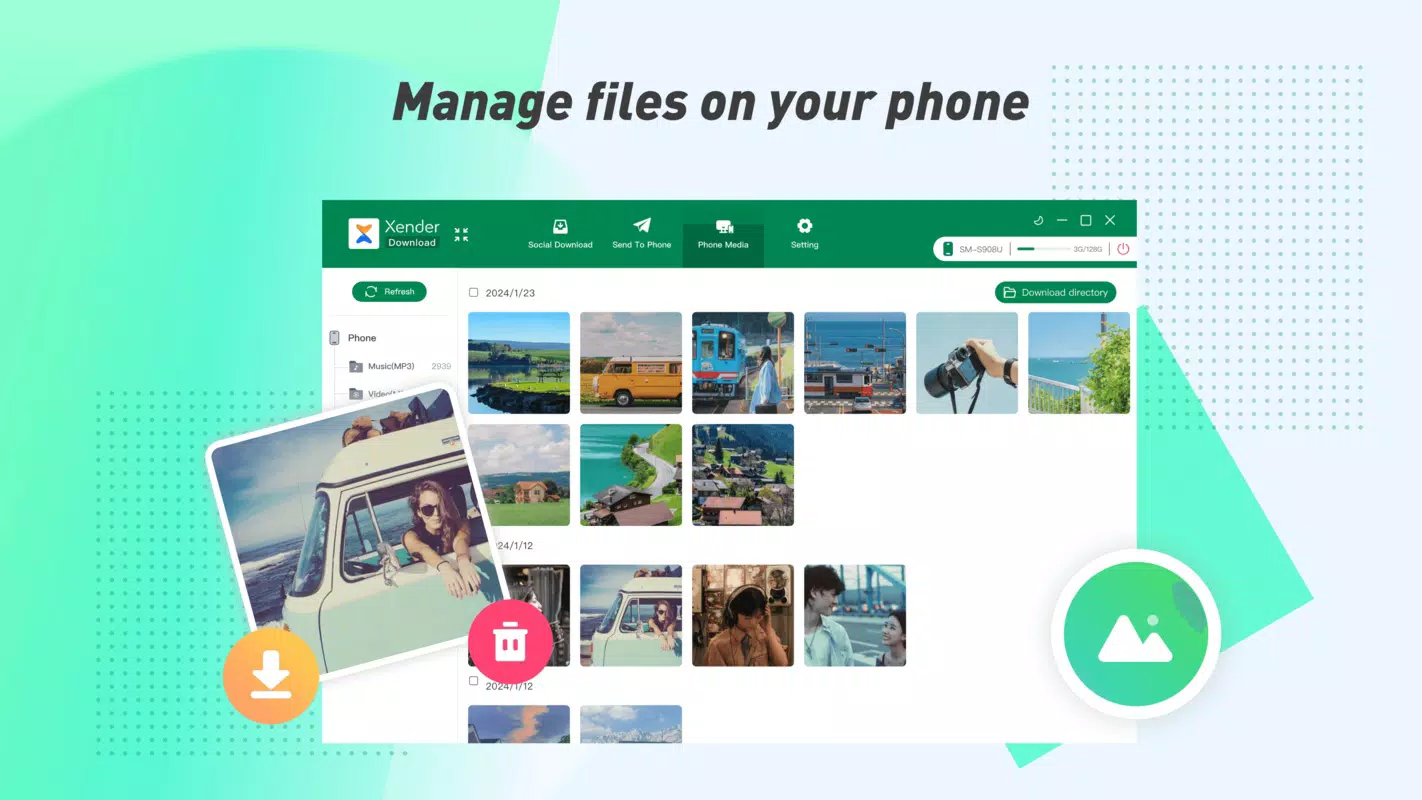
- Cross-Platform Compatibility: Xender supports Android, Tizen, Windows, and Mac, allowing seamless file sharing across a wide range of devices. Users can transfer files between smartphones, tablets, and computers without compatibility issues.
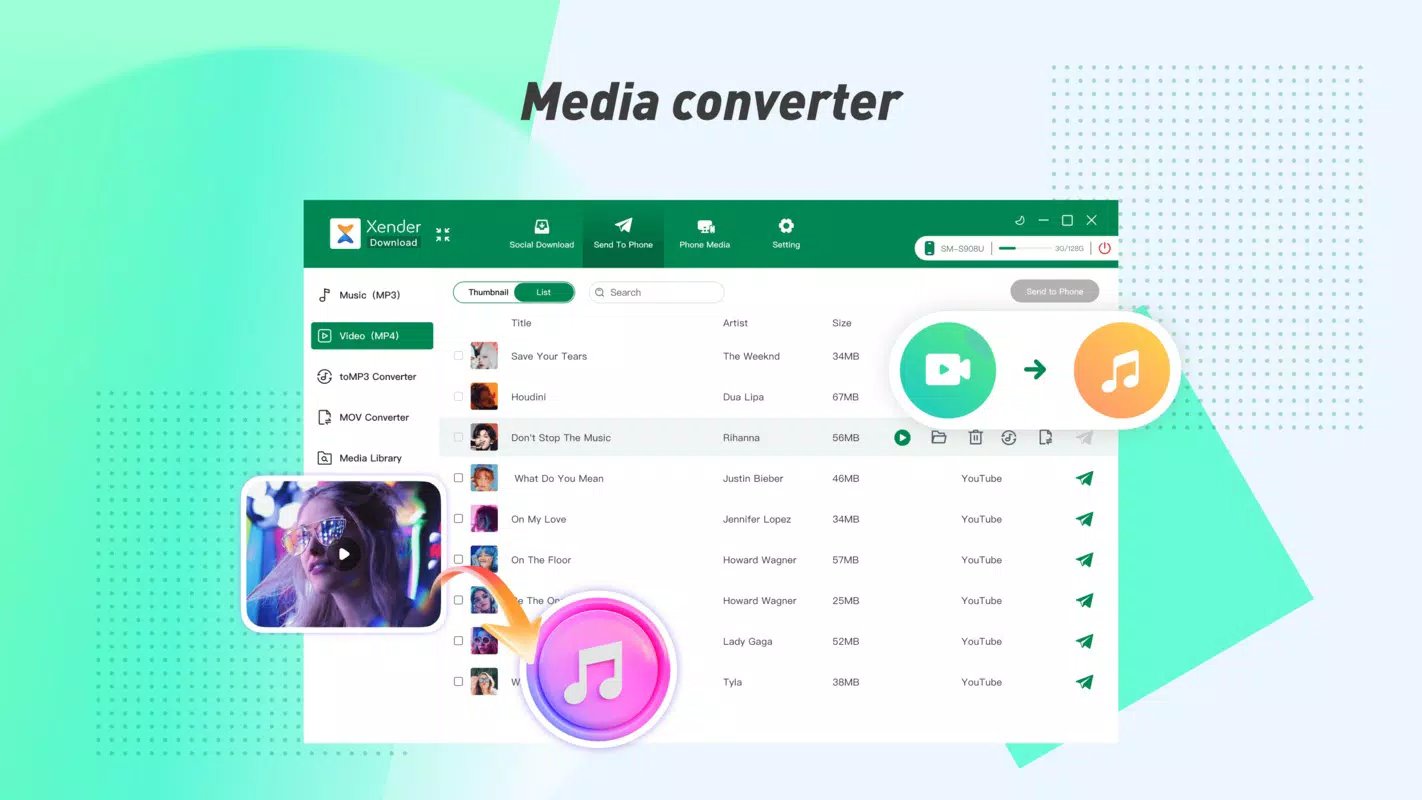
- Convert Video to Audio (toMP3): The integrated toMP3 feature enables users to extract audio from video files and save them as standalone music tracks. This is particularly useful for converting lecture recordings, live performances, or TikTok videos into portable audio files.
- Integrated Social Media Downloader: Xender allows users to download videos directly from platforms like Facebook, Instagram, and TikTok. The feature supports both public and private content (where accessible), making it a convenient tool for saving trending videos or personal content for offline viewing.
Each feature is designed to enhance user efficiency and convenience. For example, a student can transfer a recorded lecture to their tablet using toMP3, while a party host can share a playlist across multiple devices without using data. The app’s functionality aligns with modern mobile usage patterns, where speed, privacy, and cross-device interoperability are paramount.
Interface, UX & Performance
The user interface of Xender - Share Music Transfer is designed with simplicity and functionality in mind. The main screen presents a clean layout with clearly labeled buttons for initiating transfers, converting videos, and accessing the downloader. Navigation is intuitive, with minimal steps required to start a file transfer or convert a video.
Visual elements are minimal but effective, focusing on usability over decorative design. The app uses a consistent color scheme and iconography that aligns with standard mobile interface conventions, reducing the learning curve for new users. Menus are logically organized, and common actions are accessible from the home screen.
Although the developer did not list formal performance metrics, the app’s claimed 40 Mb/s transfer speed suggests optimized backend processes. Users can expect responsive interactions during file selection, transfer initiation, and conversion tasks. The app maintains stability during prolonged use, with no reported crashes or freezes in available documentation.
Performance is likely consistent across mid-to-high-end Android devices, though specific requirements were not disclosed. The app’s lightweight size of 15.7 MB indicates efficient resource usage, contributing to smooth operation even on devices with limited memory. Overall, the user experience reflects a mature design focused on speed and reliability.
Platform Compatibility & Technical Requirements
Xender - Share Music Transfer is available exclusively on the Android platform. The current version is 1.0.0, with a file size of 15.7 MB. This lightweight footprint ensures quick installation and minimal impact on device storage.
While the app is designed for Android, the developer did not specify minimum OS requirements or compatibility with older Android versions. It is reasonable to assume it supports recent Android releases, but users should verify compatibility based on their device configuration. No additional hardware requirements were listed.
The app’s cross-platform functionality extends beyond Android, as it supports file transfers with devices running Tizen, Windows, and Mac. However, the specific app versions or installation methods for these platforms were not detailed in the provided information.
Pros and Cons
Pros
- Fast transfer speeds up to 40 Mb/s for rapid file sharing.
- Zero data usage—ideal for users on limited data plans.
- Cross-platform support across Android, Tizen, Windows, and Mac.
- Integrated toMP3 feature for converting video to audio files.
- Native social media downloader for TikTok, Instagram, and Facebook videos.
Cons
- Platform availability limited to Android; no official iOS version provided.
- Specific OS requirements were not listed by the developer.
- Compatibility with older Android versions remains unconfirmed.
- Functionality on low-end devices may vary without performance testing data.
- Downloaded content from social media may be subject to platform-specific access restrictions.
FAQ
Is Xender - Share Music Transfer safe to use?
The app operates over local wireless networks and does not require internet access for file transfers, reducing exposure to online threats. However, users should only share files with trusted devices and avoid downloading content from unverified sources.
Can I transfer files between Android and Windows devices?
Yes, Xender supports cross-platform file transfers between Android and Windows devices, provided both devices are connected to the same local network or use the direct connection method.
Does Xender require an internet connection to work?
No, Xender does not require an internet connection to transfer files. It uses local Wi-Fi or direct peer-to-peer connections, making it ideal for offline use.
Is the social media downloader free to use?
Yes, the built-in downloader for platforms like TikTok, Instagram, and Facebook is included in the app at no additional cost. However, users must comply with the terms of service of the source platforms.
How do I update Xender - Share Music Transfer?
Updates are typically delivered through the official app store. Users should check for updates in the app’s listing to ensure they are using the latest version.
Final Thoughts
Xender - Share Music Transfer stands out as a powerful, data-free solution for modern mobile users who prioritize speed, privacy, and versatility in file sharing. Its combination of high-speed transfers, cross-platform support, and built-in tools like video-to-audio conversion and social media downloading makes it a valuable addition to any smartphone toolkit.
While its exclusive availability on Android may limit some users, those within the ecosystem will find it exceptionally useful for both personal and professional file exchanges. The app’s lightweight design and zero data usage further enhance its appeal, especially in data-sensitive or offline scenarios.
For anyone seeking a reliable, fast, and secure way to share music, videos, and documents across devices, Xender delivers on its promise. Whether you're transferring a playlist at a party or saving a viral TikTok video for later, this app streamlines the process with minimal effort.
Download Xender - Share Music Transfer now


